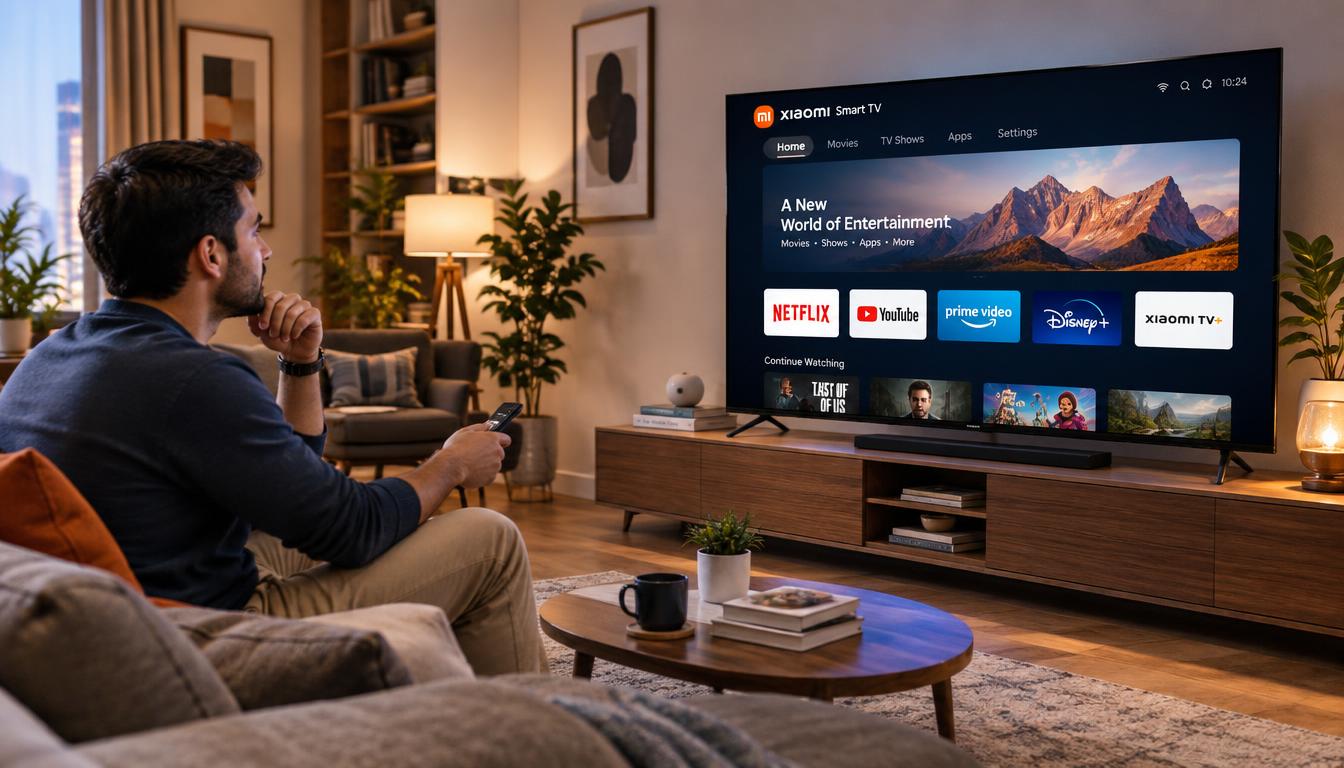
A 4K TV shows about 8.3 million pixels, roughly four times more than a 1080p screen. Picture detail matters, but it is not the only factor when choosing a Xiaomi Smart TV.
A smart TV connects to the internet through Wi-Fi or Ethernet. It runs streaming apps without a separate cable box. You can still connect a cable box or antenna, but streaming requires internet access.
Prices and features vary by screen size, display type, and performance. Because specifications can differ, check each Xiaomi TV’s details, US availability, and warranty before buying an internet TV.
Key Takeaways
- A 4K screen has about 8.3 million pixels.
- Streaming on a smart TV requires an internet connection.
- Wi-Fi and wired Ethernet are common connection options.
- We can connect a cable box or antenna, too.
- Check the exact product specifications before purchase.
- Confirm US availability and warranty terms with the seller.
Why Consider a Xiaomi Smart TV?
A smart TV combines streaming, gaming, and online features on one screen. A Xiaomi smart television may fit our habits if its apps and connections suit us. Features vary by model, software, and region.
How Xiaomi TVs fit into a connected home
Built-in apps may include Netflix, Prime Video, Disney Plus, and HBO Max. We should confirm each service works on the exact model in our region. Some TVs connect with smart speakers or voice assistants, but support varies.
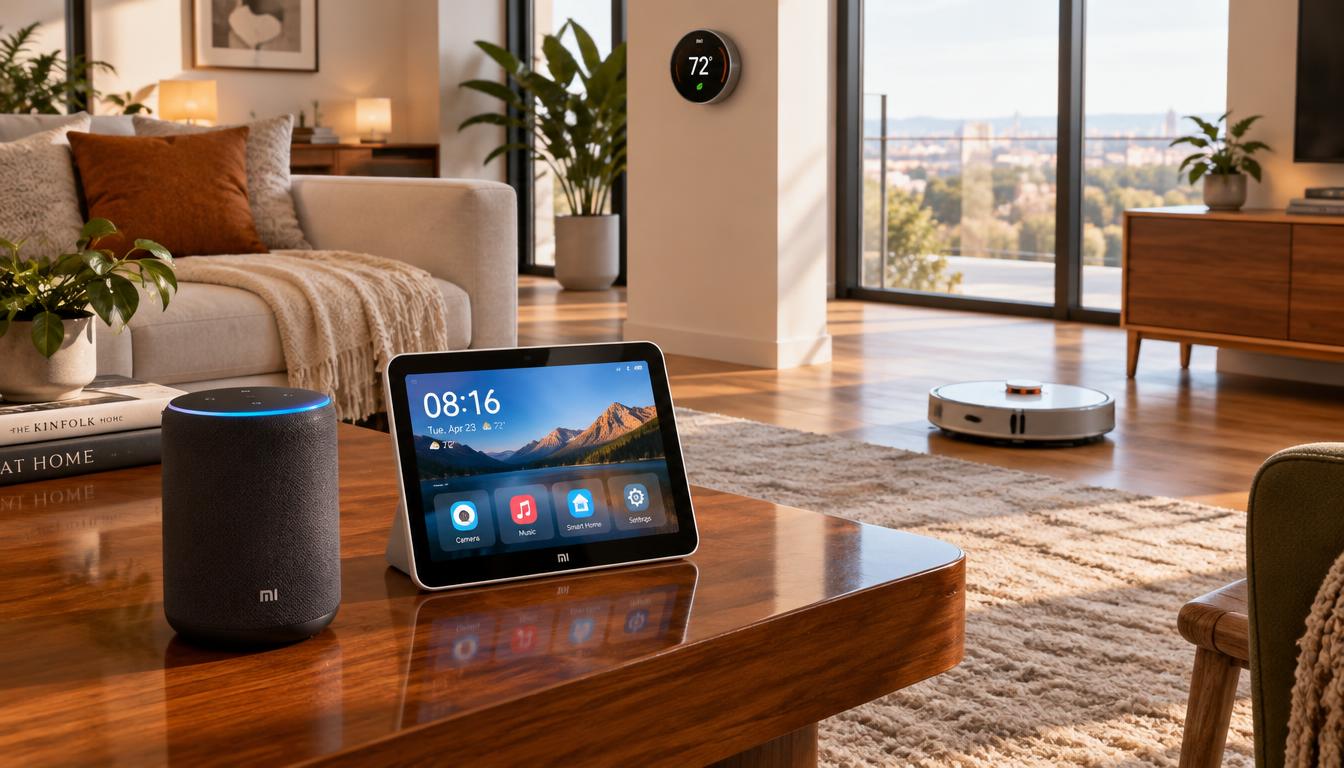
A Xiaomi electronic device may join a Xiaomi smart home setup, but products may not work together. Check the TV’s listed integrations before planning a connected setup.
What to verify about US availability and warranty coverage
Before buying, confirm that the exact model is sold for use in the United States. Ask the seller and manufacturer about streaming access, regional support, warranty terms, and who handles repairs. Availability and coverage can differ by seller.
| What to check | Why it matters |
|---|---|
| US model and seller | Confirms the product is intended for the US market. |
| Apps and integrations | Shows whether our services and smart devices are supported. |
| Warranty and repairs | Clarifies coverage, service steps, and the responsible provider. |
Choose the Right Xiaomi TV Screen Size
The right Xiaomi TV screen size depends on your room, viewing distance, and available space. A larger screen feels immersive but may show uneven lighting or color flaws more clearly.
Match screen size to room layout and viewing distance
As a starting point, sit 1.5 to 2.5 times the screen’s diagonal measurement away. A 43-inch TV can suit a bedroom, while a 55-inch smart TV often fits a living room. Choose 65 inches for a larger space and 75 inches or more for a very large room. Use this range to compare smart television size with your seating layout.
Measure your TV stand or wall-mount space
Measure the wall or stand before buying. Check the TV’s full width, height, and foot placement. Some models have feet near both ends, so they need a wide, stable stand. Leave room for cables and airflow, too.
Set a Budget and Compare Xiaomi TV Value
Before shopping, set a budget based on screen size and features we use. General U.S. price ranges offer a starting point, not a specific Xiaomi smart TV price.
Balance screen size, picture quality, and price
TVs under $500 can meet basic streaming needs. Many 50- to 65-inch TVs cost between $500 and $1,000. Larger screens and advanced picture features often cost more, so treat these as broad market ranges, not a promised Xiaomi smart TV price.
For sets under $200, check size and reviews carefully, especially for a 55-inch screen. A larger budget may offer more 65-inch choices; compare resolution, refresh rate, ports, and services for smart TV value. Our Xiaomi TV buying guide can help us review key features.
Check what is included and whether extra streaming gear is needed
Some Xiaomi tech products include streaming platforms, but confirm support for your preferred apps. A separate streaming device can replace the built-in system, and many cost less than $50.
Check the box details before buying. A streaming device, soundbar, or other accessory may cost extra, so include it in your budget.
Compare 4K Resolution, HDR, and Picture Quality
Resolution and HDR affect screen detail, contrast, and color. When choosing a Xiaomi 4K smart TV, check its display specs and supported formats. Check formats supported by the shows and movies you watch.
Why 4K UHD suits most US households
4K UHD has 3,840 by 2,160 pixels, about four times the pixels of 1080p Full HD. That added detail fits most living rooms and common 55- to 65-inch TVs.
8K has more pixels, but native 8K shows and movies remain limited. An 8K TV must upscale much of its content. At typical sizes, 4K’s difference may be hard to see unless you sit close or choose 75 inches or larger.
Look for HDR support and compatible streaming content
High Dynamic Range (HDR) can give supported video brighter highlights, richer contrast, and more colors. An HDR smart television should list its playable formats because support varies by model.
HDR10 is a common baseline format. Dolby Vision and HDR10+ can adjust brightness and contrast scene by scene or frame by frame. For stronger internet TV picture quality, confirm that your TV and streaming service support the same HDR format.
Understand LED, QLED, Mini-LED, and OLED Displays
Display labels show how a TV creates images, but they do not ensure equal picture quality across brands. We can compare backlights, contrast control, color, and brightness to find features that suit our room.
How LED backlighting and local dimming affect contrast
Most TVs use an LCD panel lit by LEDs. Edge-lit models place lights around the screen, which may cause uneven brightness in a dark room. Direct-lit models place lights behind the panel, but areas may look blotchy without local dimming.
Local dimming adjusts LED groups, making dark areas darker and bright areas brighter. Xiaomi Mini-LED TV models use smaller lights and more dimming zones than standard LED backlighting. This can improve contrast and reduce halos around bright objects. Check the exact model’s specifications because features can vary.
When quantum dots or OLED may be worth the upgrade
A Xiaomi QLED TV uses quantum dots with LED backlighting. These tiny particles can expand the color range and help the screen reach high brightness. This can help in a bright living room or with vivid HDR shows.
OLED pixels produce their own light and can turn off one by one, creating deep blacks and strong contrast. Newer OLED designs can be brighter than older sets, but top LED models may still be brighter.
Burn-in is rare with modern OLED TVs and links to static images shown for thousands of hours. A Xiaomi OLED smart TV may suit viewers who value dark-room contrast. We should confirm the display type on the specific Xiaomi model because US availability can vary.
| Display type | How it works | What to consider |
|---|---|---|
| Standard LED | LEDs light an LCD panel from the edge or behind it. | Local dimming and light placement affect contrast and screen uniformity. |
| QLED | Quantum dots work with LED backlighting to boost color and brightness. | A strong option for vivid color in brighter rooms. |
| Mini-LED | Smaller LEDs and more dimming zones offer finer backlight control. | Can improve contrast and limit halos around bright areas. |
| OLED | Each pixel makes its own light and can switch off. | Delivers deep blacks; modern models have improved brightness. |
Check the Smart TV Platform and Streaming Apps
A TV’s built-in software affects how we find shows, manage apps, and use voice controls. For a Xiaomi internet TV, check the exact US model before buying because features vary by model and region.
Confirm access to the streaming services you use
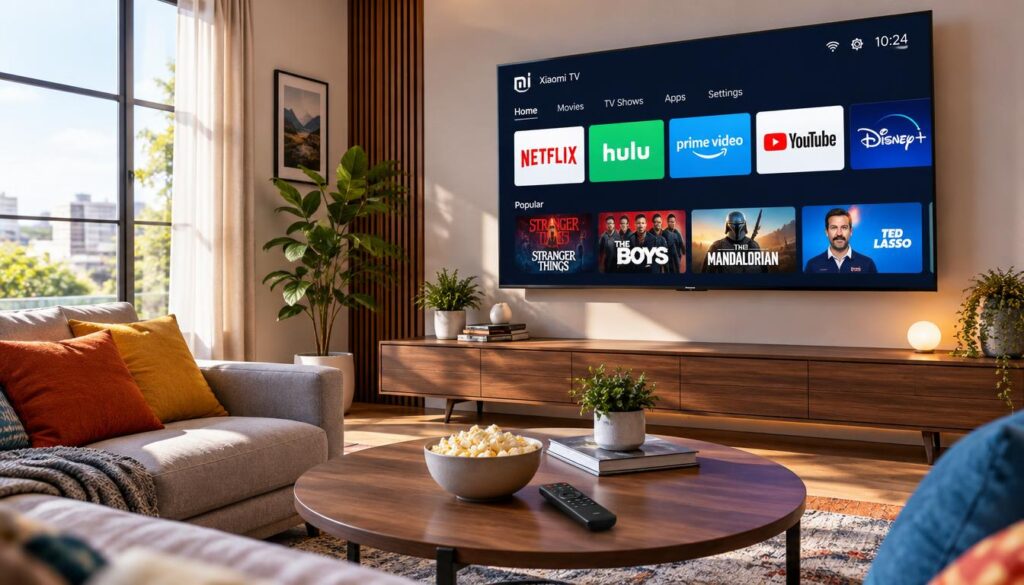
Check the app store for services you watch, including Netflix, Hulu, or YouTube TV. Xiaomi smart TV apps can differ by model, so confirm availability instead of trusting the brand name alone.
Consider interface usability, voice control, and software updates
Roku is known for a simple interface, while Google TV connects with services such as Google Photos and YouTube TV. These examples do not show which smart TV platform a Xiaomi model uses. Also, check the model’s voice assistant and update policy.
Some remotes need a button press for voice search, while some TVs support hands-free commands. If the built-in system lacks an app you need, a separate streaming device may help.
Review Wi-Fi, Ethernet, HDMI, and Other Connections
Connections affect how easily we use a TV with streaming gear, game systems, and audio devices. Check ports and wireless features before buying, since options vary by model.
Count HDMI Ports for Consoles and Home Theater Devices
Count the Xiaomi TV HDMI ports needed for consoles, Blu-ray players, and a soundbar. Check which HDMI standards the TV supports. HDMI 2.1 supports high-bandwidth gaming features on compatible devices, so confirm details in the product listing or manual.
Check for Wi-Fi, Ethernet, Bluetooth, and USB Connectivity
Smart TV Wi-Fi provides internet access for streaming, while Ethernet provides a wired connection. Bluetooth can pair with compatible headphones or soundbars. USB ports can connect external drives and other devices.
Review Xiaomi smart television connectivity to make sure it fits your home setup.
Assess Xiaomi Smart TV Gaming Features
For a console or PC setup, a Xiaomi gaming TV can make fast games feel smoother and more responsive. Check the exact model’s screen and gaming features before you buy.
Compare 60-Hz and 120-Hz refresh rates
A 60-Hz panel can show up to 60 frames per second. A 120-Hz smart TV can show up to 120 when the game and connected device support it. Some models reach 144 or 165 Hz with certain gaming PCs.
Higher refresh rates can make motion look smoother during quick action games. Input lag is the delay between a controller action and its appearance on screen. Many TVs have about 10 to 15 milliseconds of lag, and lower values can feel more responsive.
Look for HDMI 2.1, VRR, ALLM, and low input lag
VRR matches the screen’s refresh rate to changing game frame rates. This can reduce screen tearing and sluggish motion. ALLM can switch a compatible TV to low-lag mode when a console or gaming PC starts.
Xiaomi HDMI 2.1 support can enable key gaming features at high resolutions, but features vary by model and port. Check the refresh rate, input lag, HDMI version, VRR, and ALLM in the model specifications.
| Feature | What it means for gaming | What to check |
|---|---|---|
| 60 Hz | Displays up to 60 frames per second. | Confirm it suits your games and device. |
| 120 Hz or higher | Can provide smoother motion with supported content. | Verify the panel rate and supported input. |
| VRR and ALLM | Can reduce tearing and help lower input lag. | Confirm support on the TV and connected device. |
| HDMI 2.1 | Supports gaming features at high resolutions. | Check which ports offer the required features. |
Plan for Sound and Xiaomi Smart Home Integration
Thin TV cabinets leave little room for large speakers, and built-in audio can sound weak. An external audio system can improve dialogue and bass. Even an affordable soundbar may sound fuller than the TV alone.
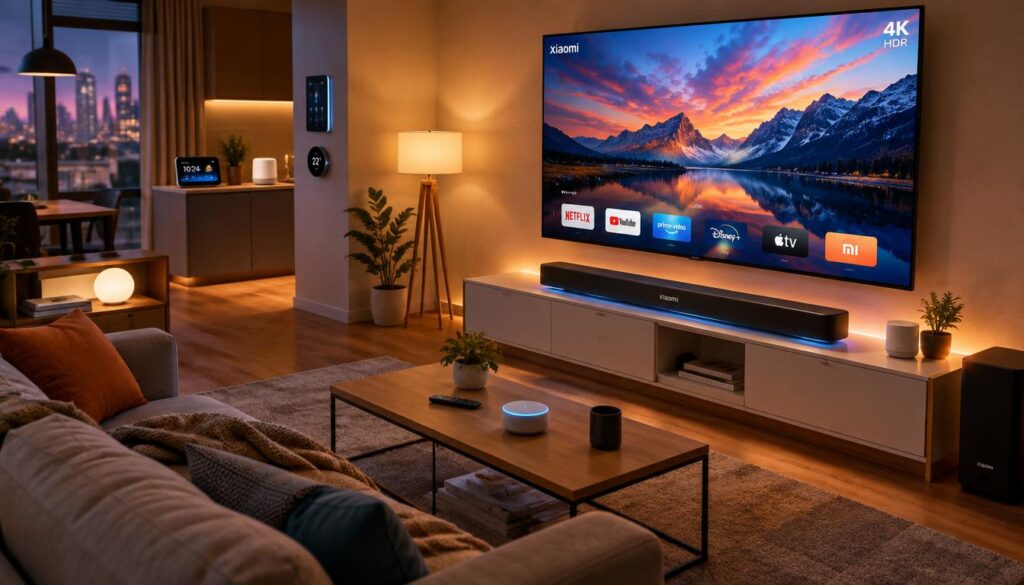
Consider a soundbar for clearer dialogue and fuller audio
A smart TV soundbar can connect through HDMI for a home theater setup. Bluetooth may work with compatible soundbars or headphones, but HDMI often suits fixed systems better. Check the TV’s ports and the soundbar’s options before buying.
Check compatibility with your existing smart home devices
A Xiaomi smart home TV may fit into a connected home, but features vary by model. Before buying, check its supported apps, protocols, and voice assistants. Do not assume Xiaomi smart home integration works until you confirm support for your devices and preferred controls.
| What to check | Why it matters |
|---|---|
| HDMI connection | Can link a soundbar or other home theater equipment. |
| Bluetooth support | May connect compatible soundbars or headphones without a cable. |
| Voice assistant | Confirms whether the TV works with the assistant you use. |
| Apps and protocols | Shows whether your smart devices can connect through supported services. |
Verify US Compatibility, Warranty, and Customer Support
Before buying, confirm that the exact model is made for use in the United States. Check its power rating, streaming apps, and access to regional services. A model that meets these needs is more likely to work as a US-compatible smart TV.
Confirm power, streaming, and regional service compatibility
App access can vary by model and region, so verify your services before ordering. Also check the power specifications on the product listing. Do not assume every Xiaomi TV offers the same features in the United States.
Review the seller’s return policy and warranty terms
The Xiaomi TV US warranty may depend on the model and seller. Read the warranty terms and return window before paying, including service request steps. Confirm how to reach Xiaomi customer support and whether the seller offers help in the United States.
Compare Xiaomi TVs with Other Xiaomi Tech Products
A Xiaomi TV may work well with your Xiaomi gadgets, but shared branding does not ensure full compatibility. Check device compatibility, app access, and voice controls before buying. Also review picture quality and price, because a separate streaming player can add apps to many TVs.
Decide whether a Xiaomi TV complements your Xiaomi gadgets
Compare the TV with your other Xiaomi tech products and consider how you use them at home. Both the 43-inch Xiaomi Smart TV X Series and Xiaomi TV A 43 2026 list 4K resolution and Google TV. Audio output and ports may differ; review the Xiaomi 43-inch TV specifications and confirm the exact version with the seller.
Compare features and support with other TV brands available in the US
Compare a Xiaomi electronic device with Samsung, LG, Sony, TCL, Hisense, Vizio, Panasonic, and Roku models; check price. Compare HDR, gaming features, HDMI ports, and app access in bright and dim rooms using movies, shows, and games. Also review warranty terms and seller support, because US coverage can vary.
Conclusion
Our Xiaomi Smart TV buying guide helps us match a TV to our room, budget, and daily needs. Measure the stand or wall space, check viewing distance, and compare the full price with useful features.
Before choosing a Xiaomi TV for US customers, confirm the model’s 4K and HDR support. Also check its display type, streaming platform, app access, ports, and gaming features. Consider whether its built-in audio meets your needs or a soundbar would improve movie and TV sound.
Because features and terms vary by model and seller, verify US compatibility, return options, and warranty coverage before buying. After checking these details, choose a smart television that fits your home and works with your current devices and services.